
Run your business from one calm place.
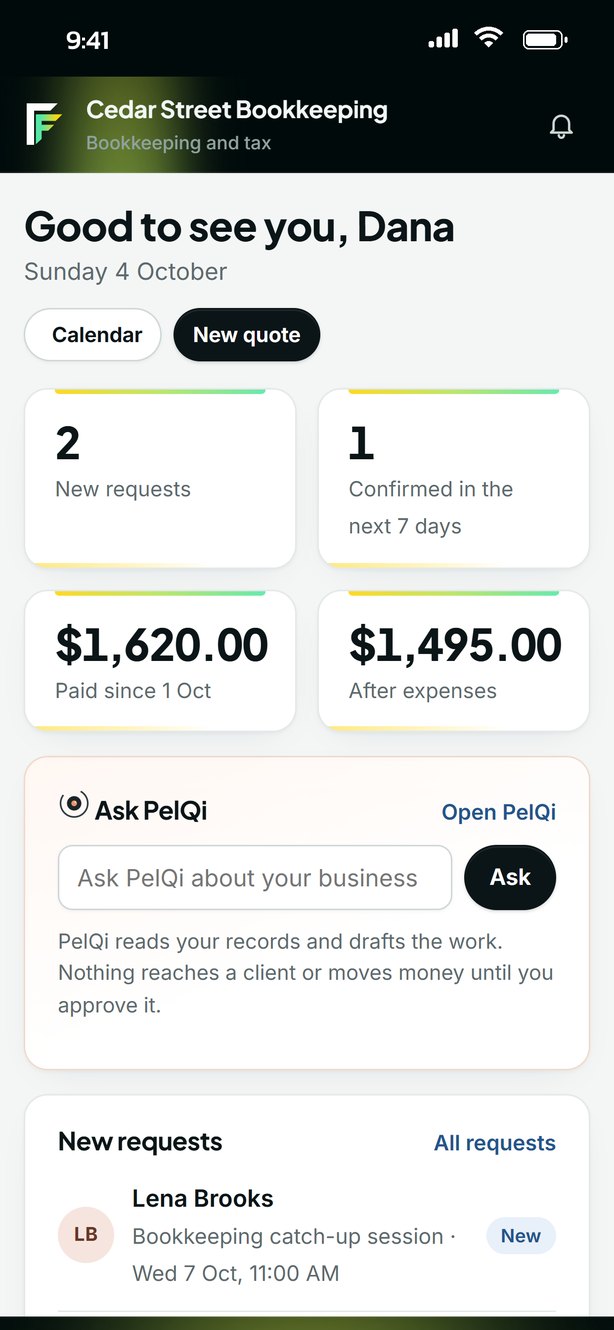
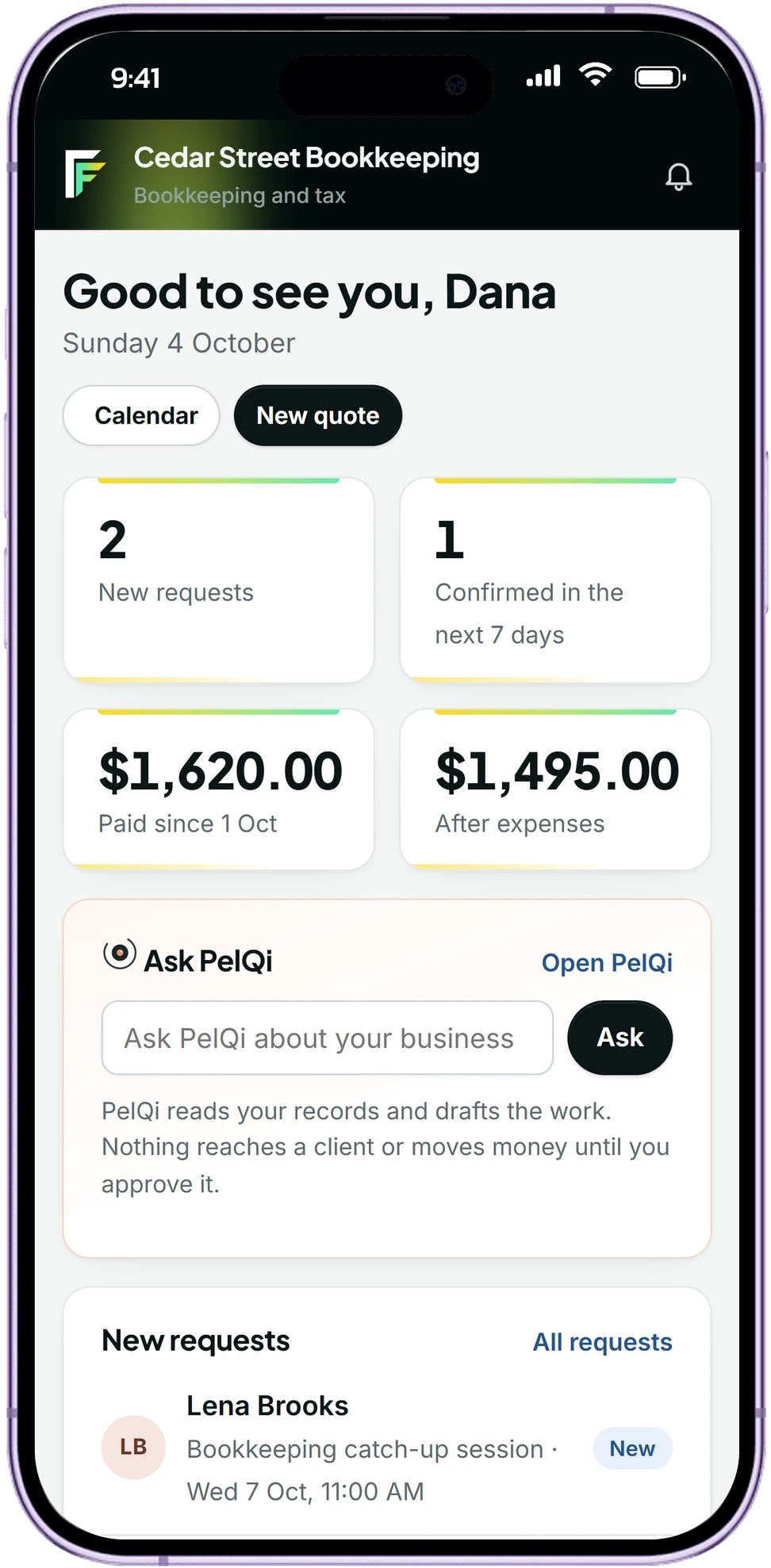
Your page, your customers, bookings and payments, set up for your kind of business. PelQi keeps track of what needs doing and acts only when you approve.
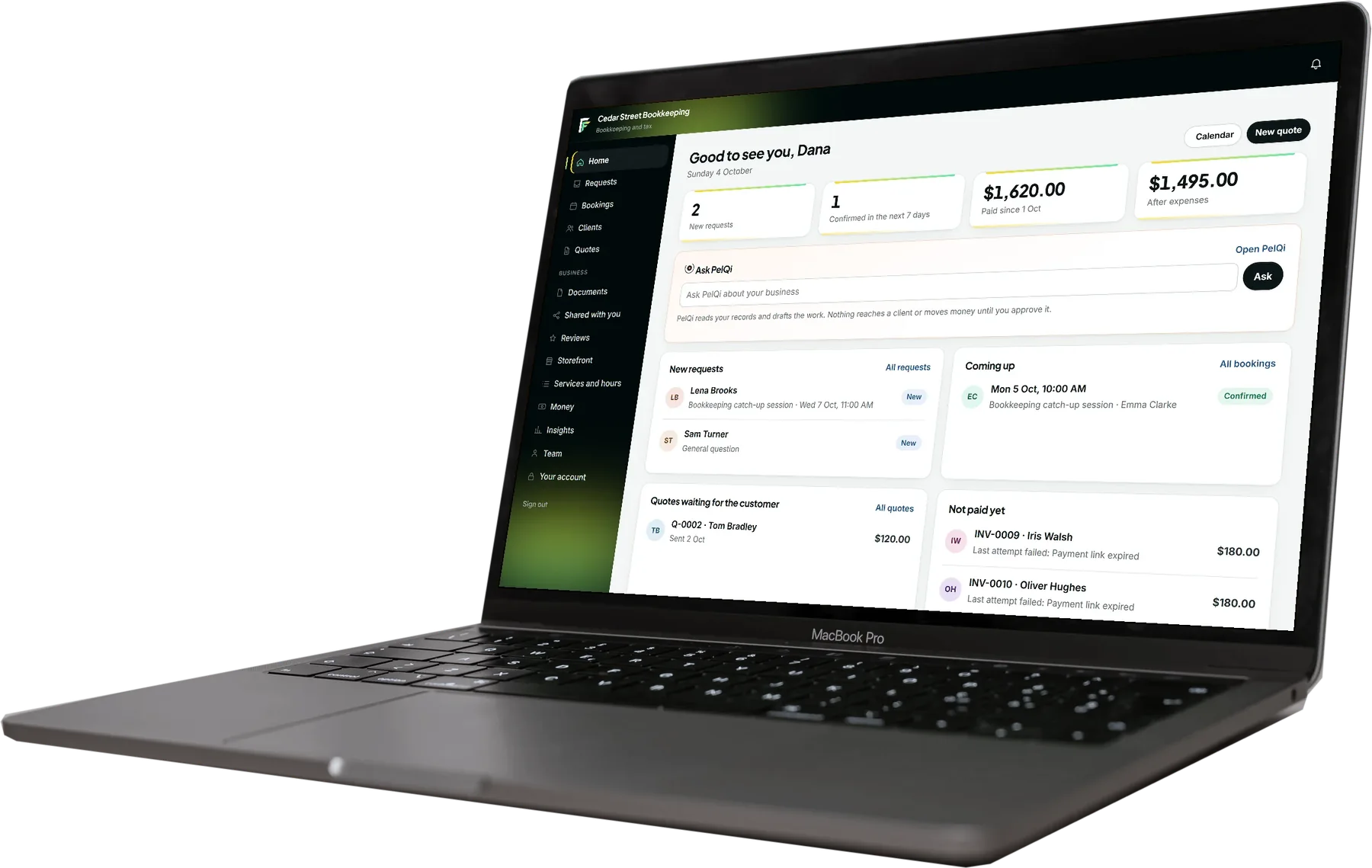
Everything about a customer, in one place

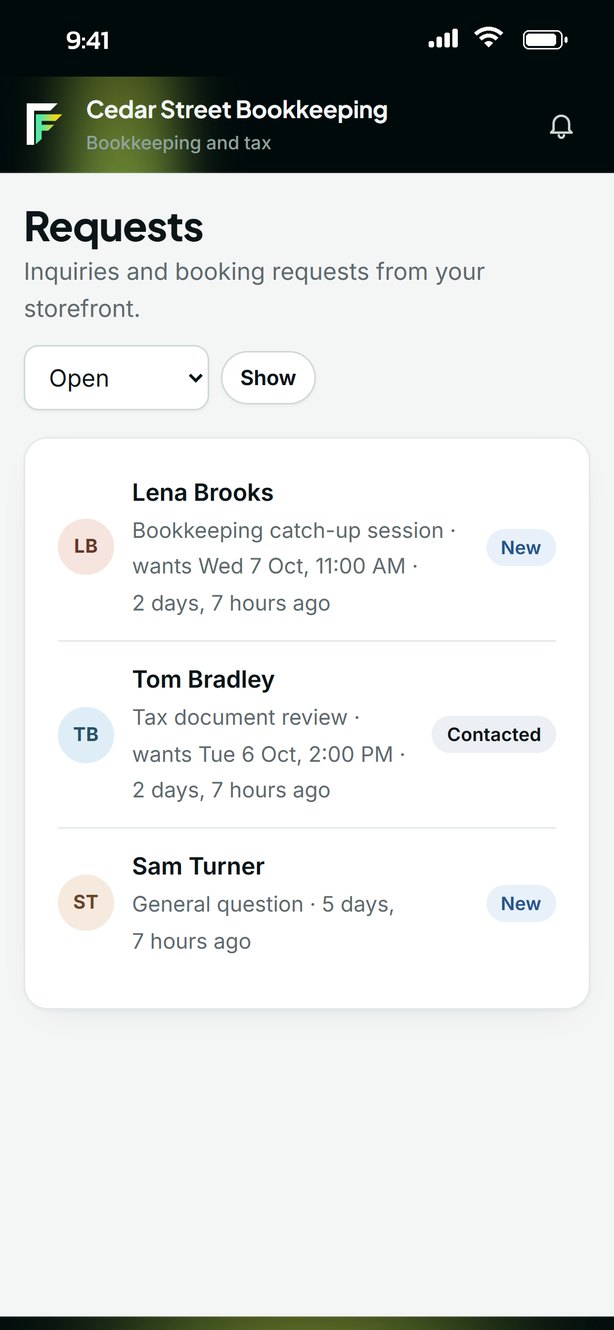
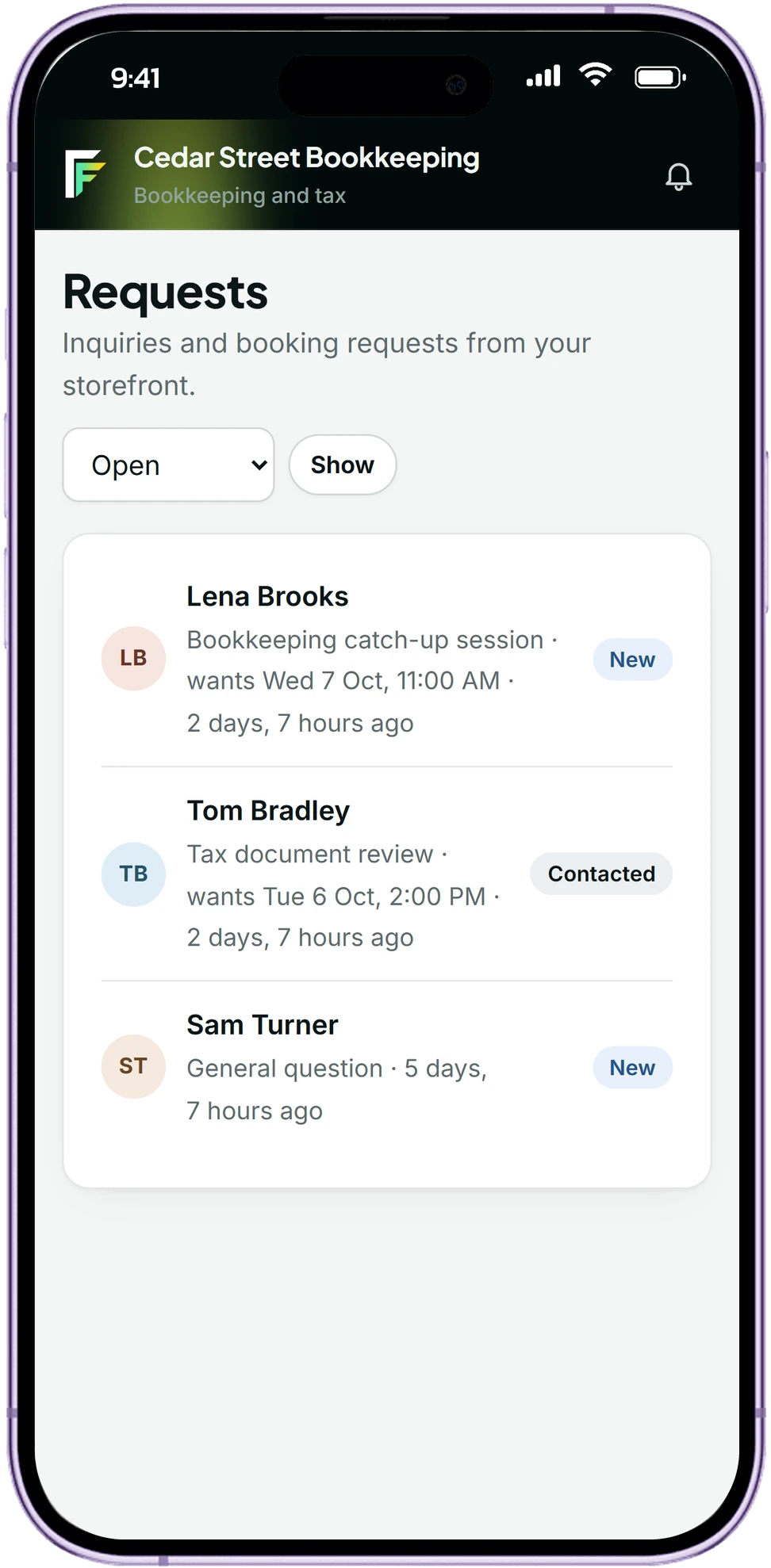
Requests that arrive ready
Customers pick a service and a time on your page. Fountain checks your hours and other bookings, and offers another time when it clashes.

Quotes and deposits
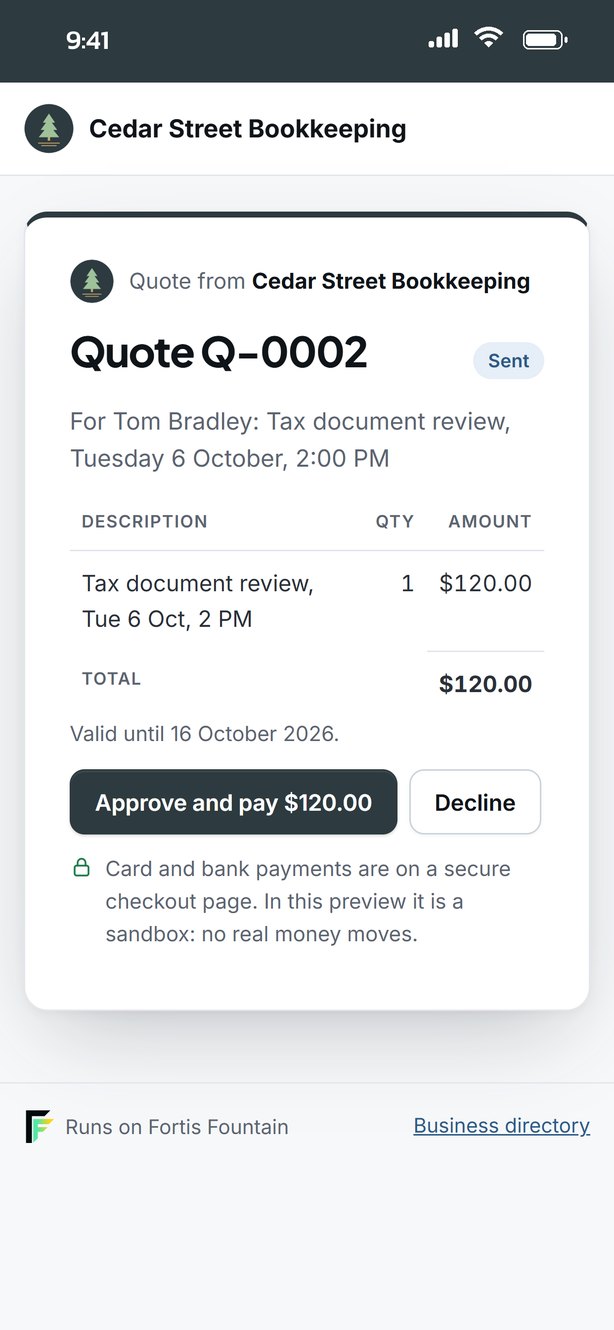
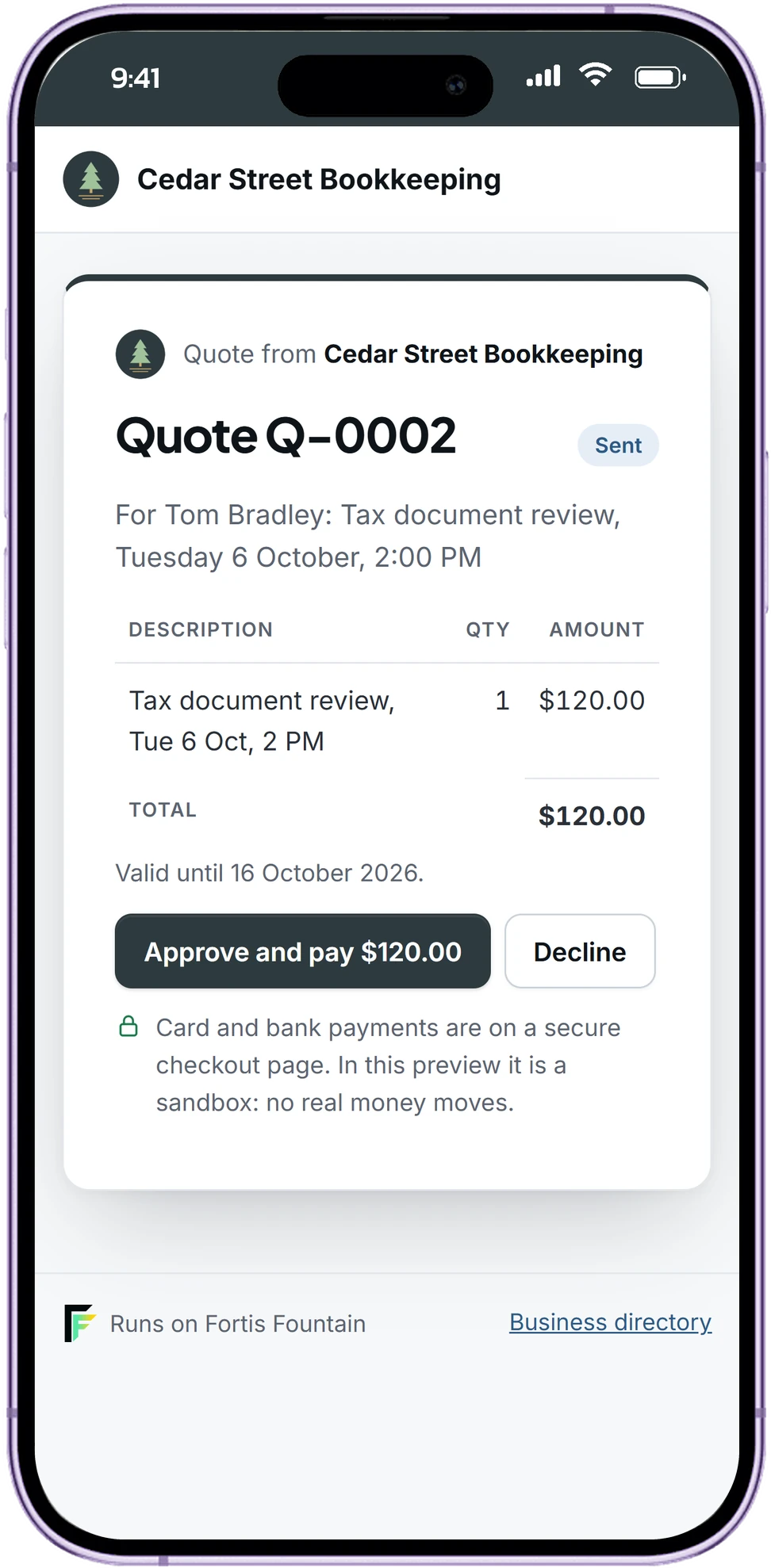
Send a quote from your template, with packages to choose from and terms to sign. The customer approves and pays a deposit by card, bank or a way you list, and the booking confirms itself.

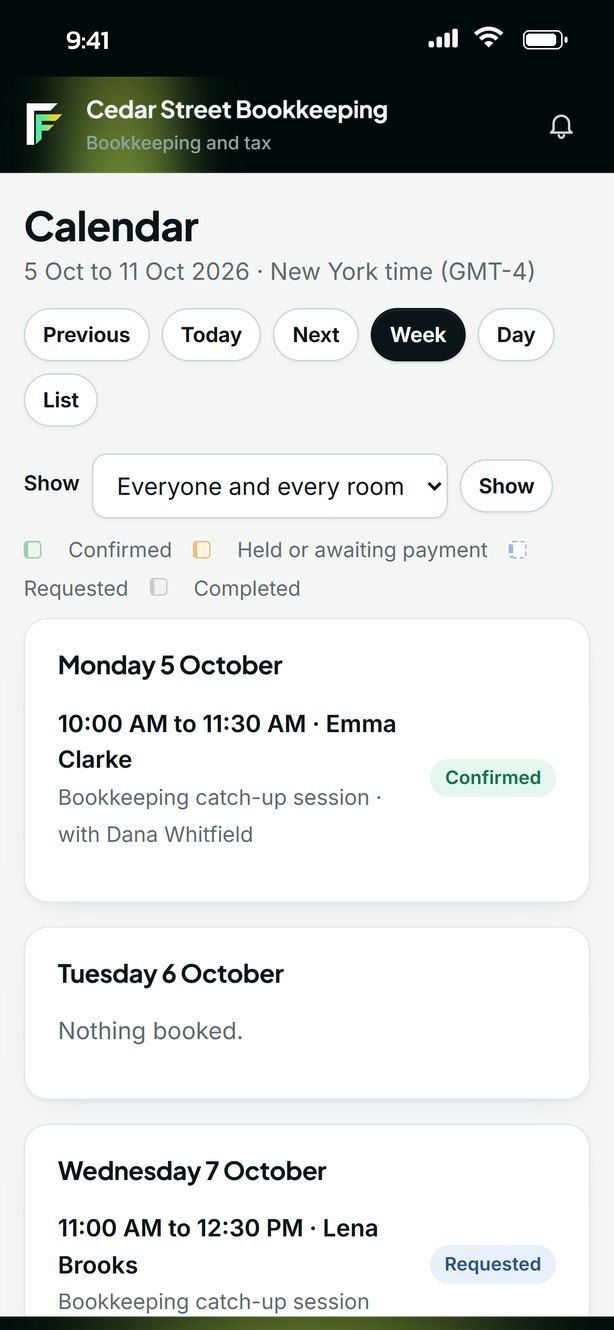
A calendar without clashes
People and rooms side by side. Nobody is double booked, and held times stay marked until the deposit is paid.

Your own page
Services, prices and photos in your own colours, with a request form, reviews from finished jobs and a place in the directory.

A private customer portal
Each customer has their own link to approve, pay the deposit and the balance, and download the documents you share.

PelQi does the follow-up
Reminders, nudges on unanswered quotes and tomorrow's pickups, drafted for you. Nothing is sent until you approve it.

Built for the people who open the doors






Requests, quotes, bookings, documents and payments sit together, for you and your team. Each business's records are kept apart, every change is written down, and PelQi reads your records and drafts the follow-up, then waits for your approval before anything reaches a customer.
Areas of business, over 130 kinds, each ready to edit
Hours a time is held while you quote
Gallery layouts for your page
See it for your business
Pick the kind of business you run. This is how your page and your first quote start out; you change any of it.
Your page
Your business
- Your first service60 min
Your first quote
Service as discussedYou set the price
Paid in full when the customer approves.
Payment confirms your booking.
Your money stays yours
Questions people ask
No. Fountain gives you a public page with your services, photos and a request form. Many businesses start with nothing else. If you already have a site, Fountain can start your page from it, and your request form can sit on it too.
Yes. Fortis can build your workspace with you, from services and prices to photos and wording, then hand it over to you by email. You choose whether Fortis keeps view-only access afterwards.
Through Stripe, by card or bank payment, from their private portal, or by Zelle, mobile money or any other way you list on their invoice. Deposits confirm the booking; balances are invoiced with a due date.
It reads and summarises. Sending a message, changing a booking, refunding or anything else that reaches a customer or moves money waits for your approval.
Yes. Each business's customers, bookings and payments are kept separate, and your team sees only what their role allows.
Not yet. Those sections are shown as demonstrations with made-up data until Fortis meets healthcare requirements.
See your business in Fountain
Tell us what you do and your workspace arrives ready to edit: your kind of services, deposit terms and the questions PelQi asks. Nothing is public until you publish.