
Stripe is not ready
Updated 18 October 2026
Card and bank payments use your business's own Stripe account. Only the workspace owner can connect it, and only with two-step sign-in turned on, because it decides where your money goes. Fountain takes 0%; Stripe's own fees apply.
Availability Every plan. Owners only, with two-step sign-in on.
Steps
- Sign in as the owner. Managers and staff see "Only the owner can connect Stripe."
- If Money says "First, turn on two-step sign-in", open Your account and turn on Two-step sign-in. See Two-step sign-in.
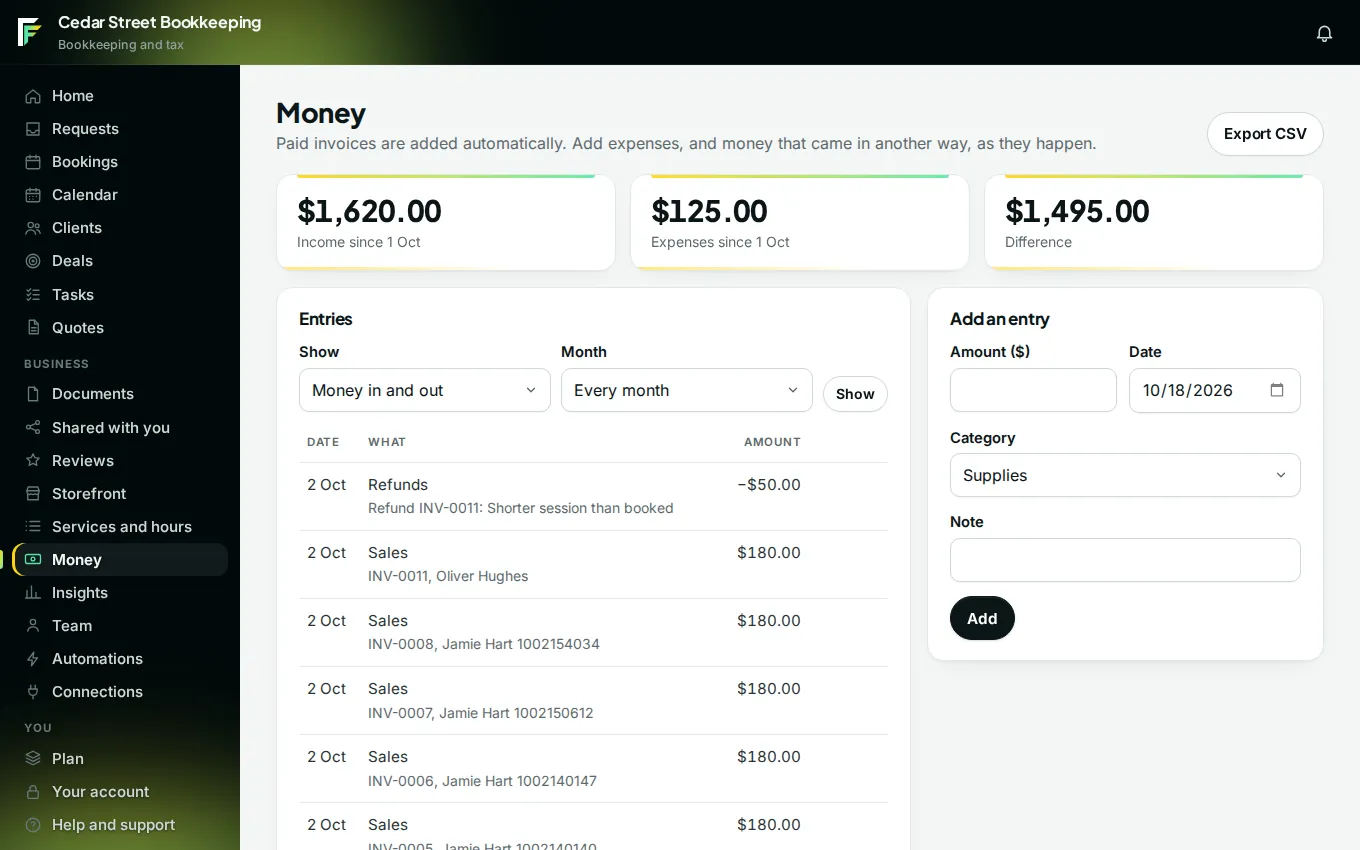
- Back on Money, under Card and bank payments, choose Connect Stripe, or Finish Stripe setup if you started before.
- Answer every question Stripe asks, including your bank account for payouts, and finish on Stripe's last page so it sends you back to Fountain.
What it can and cannot do
- Only the owner can connect Stripe, and only with two-step sign-in turned on.
- Fountain takes 0% of payments. Stripe's own fees apply.
- Fountain cannot answer Stripe's questions for you or speed up its checks. Stripe decides when card payments switch on.
- Until Stripe is ready, customers can pay you the other ways the owner sets up on Money.
What you should see
"Stripe is connected. Customers can now pay you by card and bank." The section shows Connected and a button to Open your Stripe dashboard.
If it does not work
- "Stripe needs a few more details before you can take payments. Pick up where you left off any time." The section shows Almost there. Choose Finish Stripe setup and answer what Stripe still needs. Stripe sometimes checks details for a while before it switches card payments on.
- "Turn on two-step sign-in on Your account first. It protects where your money goes." Turn it on, then come back to Money.
- "Only the owner can connect where the money goes." Ask the owner, or see Owner, manager and staff.
- "Stripe did not answer just now. Try again in a minute." Try again shortly.
- The Stripe setup link has run out. Choose Finish Stripe setup again. Fountain opens a fresh link.
- "Card payments are not switched on for Fountain yet." Card payments are not open for your workspace yet. Write to [email protected]. Meanwhile, set up Other ways customers can pay you.
Still stuck? Contact Fortis support and a person replies by email.