
You cannot sign in
Updated 18 October 2026
Most sign-in problems come from using a different email, or a different way of signing in, from the one you set up. Work through these in order.
Availability Every plan.
Steps
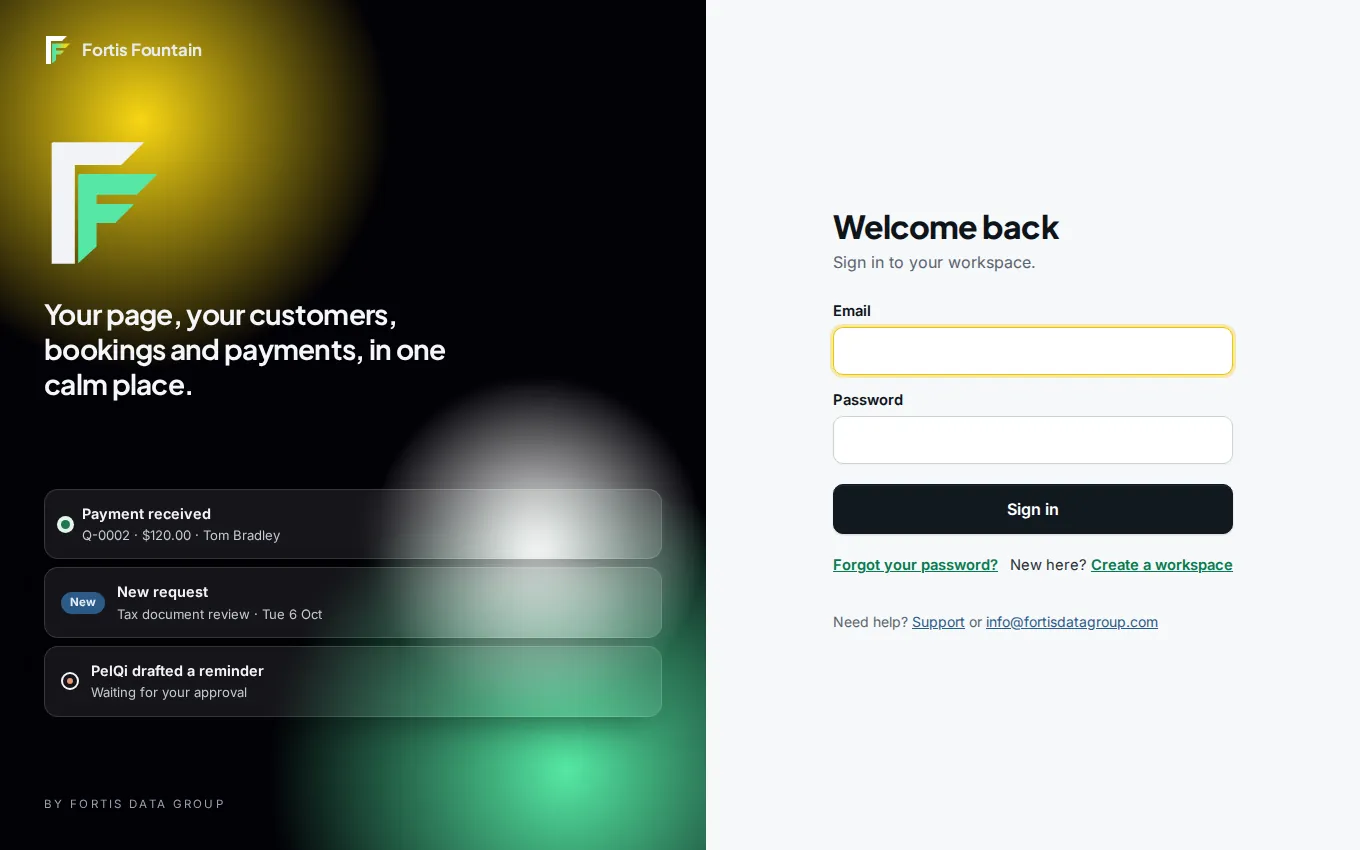
- Go to the sign-in page and check the email address. Use the one you signed up with, in full.
- If you signed up with Continue with Google, Continue with Microsoft or Continue with Apple, use that same button again. An account made that way has no Fountain password until you set one on Your account.
- If you are not sure of the password, choose Forgot your password? and choose a new one. See Reset your password.
- If the password is accepted but Fountain asks for a code, follow the screen: a code from your email on a new device, or a code from your authenticator app if two-step sign-in is on.
- If you still cannot get in, write to [email protected] from the email address on the account, or use the Support page.
What it can and cannot do
- Fountain does not say whether an email address has an account, so a wrong email and a wrong password show the same message.
- An account made with Google, Microsoft or Apple has no Fountain password until you set one on Your account.
- Fountain pauses sign-in after eight wrong passwords in 15 minutes.
- A switched-off account cannot be opened from the sign-in page. Fortis support has to look at it.
What you should see
Once the password and any code are right, Fountain opens your workspace on Home.
If it does not work
- "That email and password do not match." Check for a typing mistake or a different email, then reset the password if you need to. Too many wrong tries locks sign-in for a while: see Too many attempts.
- "Too many attempts. Wait 15 minutes, or reset your password." See Too many attempts.
- "That sign-in took too long or began in another browser. Try again." Start again from the sign-in page, and finish in the same browser you started in.
- "This account is connected to a different Google account. Use that one, or your password." (or Microsoft, or Apple) Choose the account you first connected, or sign in with your email and password.
- "Google did not confirm an email address for this account, so we cannot use it to sign in." Create an account with your email and a password instead, or use a different Google, Microsoft or Apple account.
- "This account is switched off. Contact Fortis support." Write to [email protected].
- The code does not arrive. See Your sign-in code is not arriving.
- You lost the phone with your authenticator app. See You lost your authenticator app.
Still stuck? Contact Fortis support and a person replies by email.