
Set up your deal stages
Updated 18 October 2026
Your deals board has one column for each stage. Fountain starts you with New, Talking, Quote sent, Deciding, Won and Lost, and you can change them to fit how your work goes. Each open stage carries the chance that a deal there is won, which the forecast uses. Owners and managers can change stages.
Availability Growth, for owners and managers. Starter workspaces can try it free for three days, once per owner.
Steps
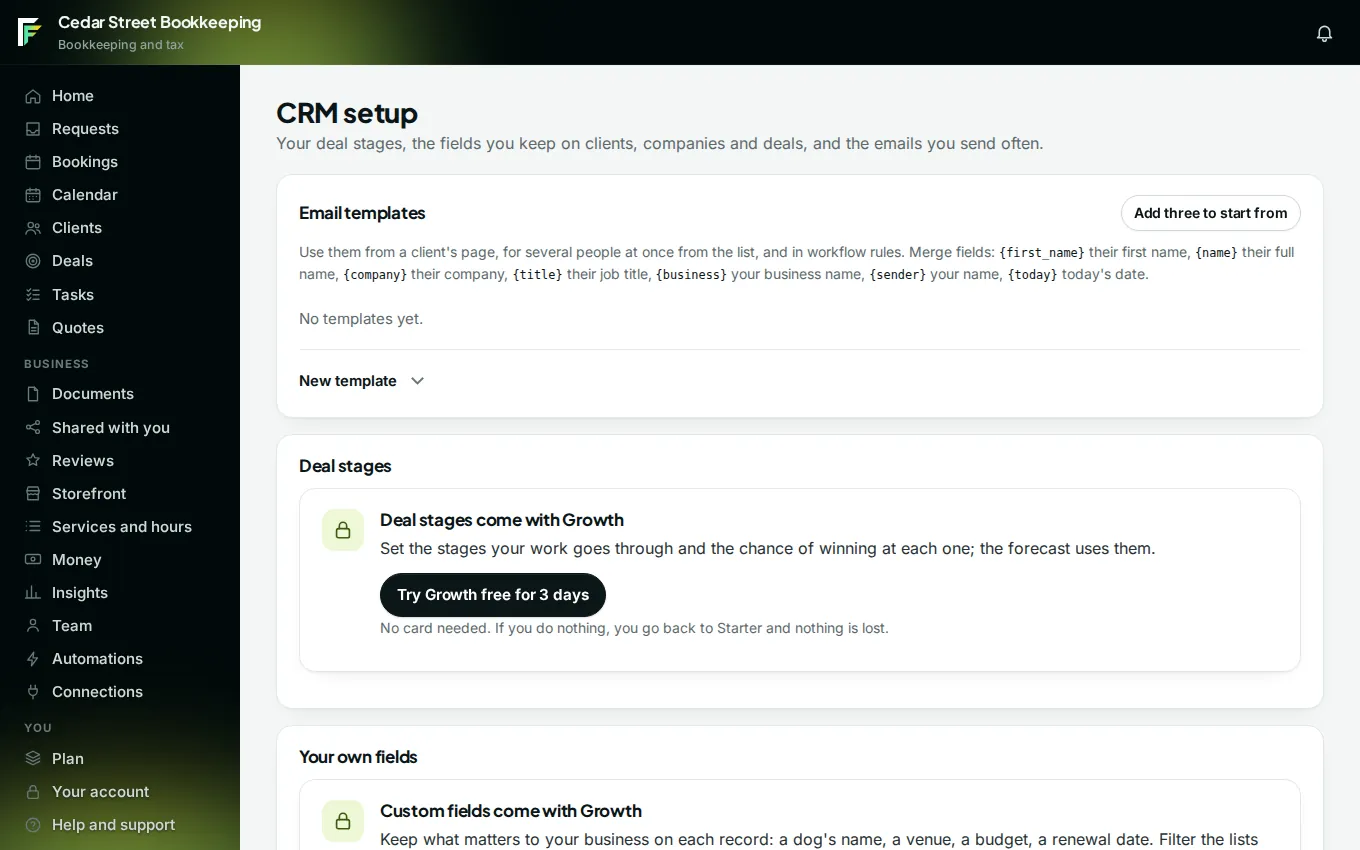
- Open CRM setup. You can get there from Set up on Clients, or Stages on Deals.
- Under Deal stages, change a stage's name or its chance of winning, then choose Save on that row.
- To change the order, choose Earlier or Later.
- To add a stage, type its name at the bottom, for example Site visit, set its chance, and choose Add stage. New stages go before Won and Lost.
- To remove a stage, choose Remove and confirm.
What it can and cannot do
- A pipeline can have up to 12 stages, and needs at least one open stage besides Won and Lost.
- Won and Lost always stay at the end. You can rename them, but not remove them: Won counts as 100% and Lost as 0%.
- When you remove a stage, its deals move to the first stage.
- A stage that a workflow rule uses, as its trigger or as the stage it moves deals to, cannot be removed until you change or delete those rules on Automations.
- If a stage's name includes "quote" or "proposal", sending a linked quote moves an earlier deal into it.
- Staff cannot change stages.
What you should see
Each row shows how many deals are in that stage. The board and forecast use your stages straight away.
If it does not work
- "A pipeline can have 12 stages." Remove or rename a stage you no longer use.
- "The won and lost stages are needed to close deals. Rename them instead." Change the name rather than removing them.
- "Keep at least one open stage." You need one stage besides Won and Lost.
- "These rules use the stage ..." The message names the rules. Change them to another stage or delete them on Automations, then remove the stage.
- Deal stages show a Growth panel. Your workspace is on Starter. See A feature needs Growth.
Still stuck? Contact Fortis support and a person replies by email.