
Use the deals board
Updated 18 October 2026
A deal is a piece of work you hope to win, with a value and an expected close date. The Deals board shows your deals in columns, one for each stage, so you can see what is coming and move it along.
Availability Growth. Starter workspaces can try it free for three days, once per owner.
Steps
- Open Deals from the menu.
- Read across the columns. Each shows how many deals it holds, their total value, and the value weighted by the stage's chance of winning.
- To find a deal, search by deal, contact or company and choose Show. Owners and managers can also pick whose deals to show.
- To move a deal, drag its card to another column. On a phone or tablet, press and hold the card, then drag. You can also choose a stage under the card and choose Move.
- When you drop a deal on Lost, say why it was lost and choose Mark as lost.
- Open a deal to see its figures, timeline, quotes and details. Use Mark as won, or the stage buttons across the top, to move it on.
- For a table you can filter, sort, save and export, choose the List tab.
What it can and cannot do
- Each column shows up to 80 cards. Won and lost deals stay on the board for 90 days.
- Moving a deal to Lost asks why. Moving it back to an open stage reopens it.
- When the client approves a linked quote, the deal is won and the client becomes a Customer.
- Staff see only the deals they own, and cannot add or move deals.
What you should see
The top of the page says how many deals are open, what they are worth, and the weighted value. Won and lost deals stay on the board for 90 days, then only show in the list.
Deals also move on their own. Sending a quote linked to a deal moves an early deal to a stage named like Quote sent. When the client approves a linked quote, the deal is won and the client becomes a Customer.
Who sees what
- Owners and managers see and move every deal.
- Staff see only the deals they own, and cannot add or move deals.
If it does not work
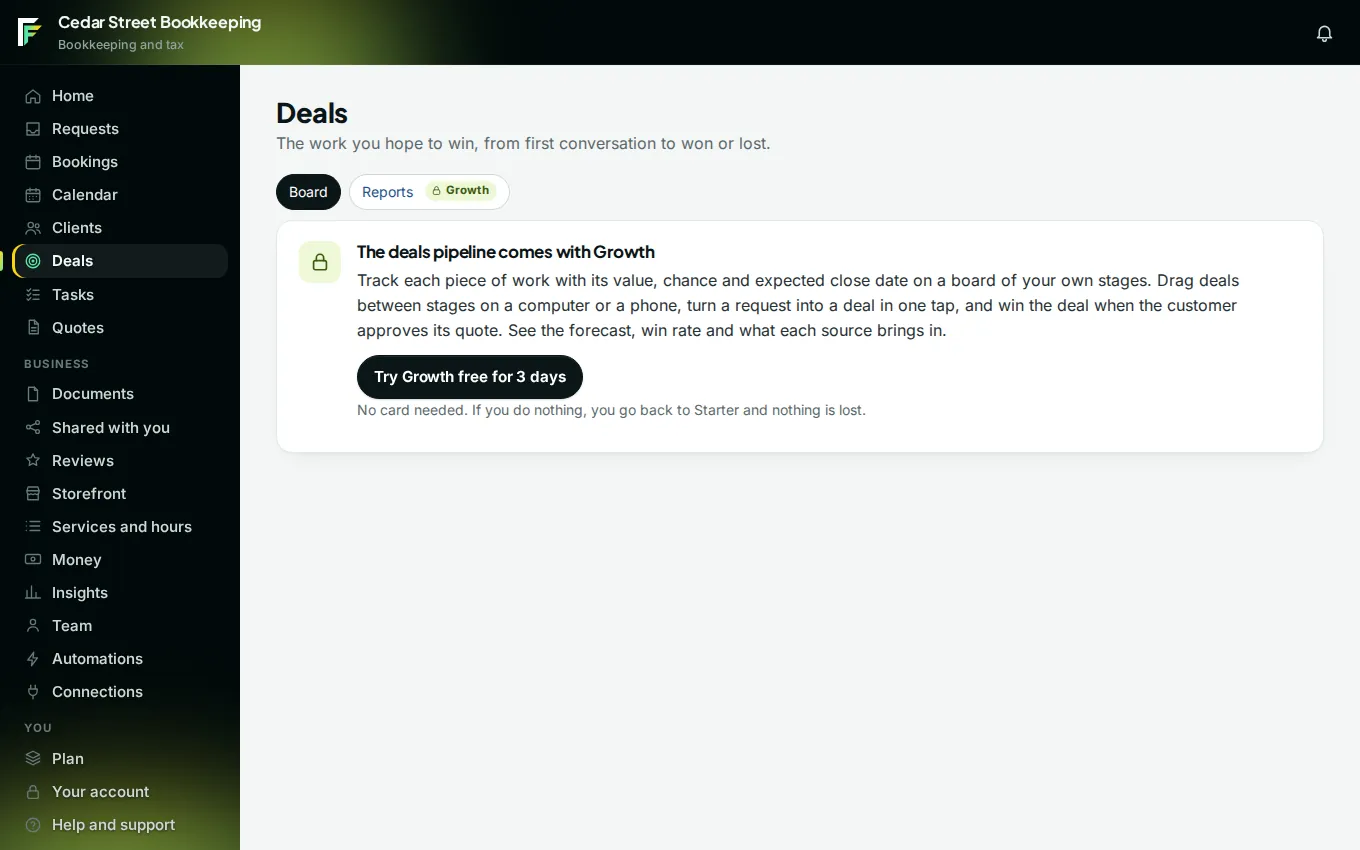
- "The deals pipeline is part of Growth." Your workspace is on Starter. See A feature needs Growth.
- "You can only change deals you own." Ask an owner or manager to move it.
- A card will not drag. Use the stage list and Move under the card instead.
- A deal is missing from Won or Lost. It closed more than 90 days ago. Open the List tab and set Status to Won, Lost or All.
Still stuck? Contact Fortis support and a person replies by email.