
A connection needs reconnecting
Updated 18 October 2026
A connected app can stop accepting Fountain's access, for example after you change your password there, remove Fountain's access in that app, or the access simply runs out. Fountain then marks the connection and tells the owner. Nothing in Fountain is lost.
Availability Every plan. Some apps need Growth, and apps shared by the whole workspace are connected by the owner only.
Steps
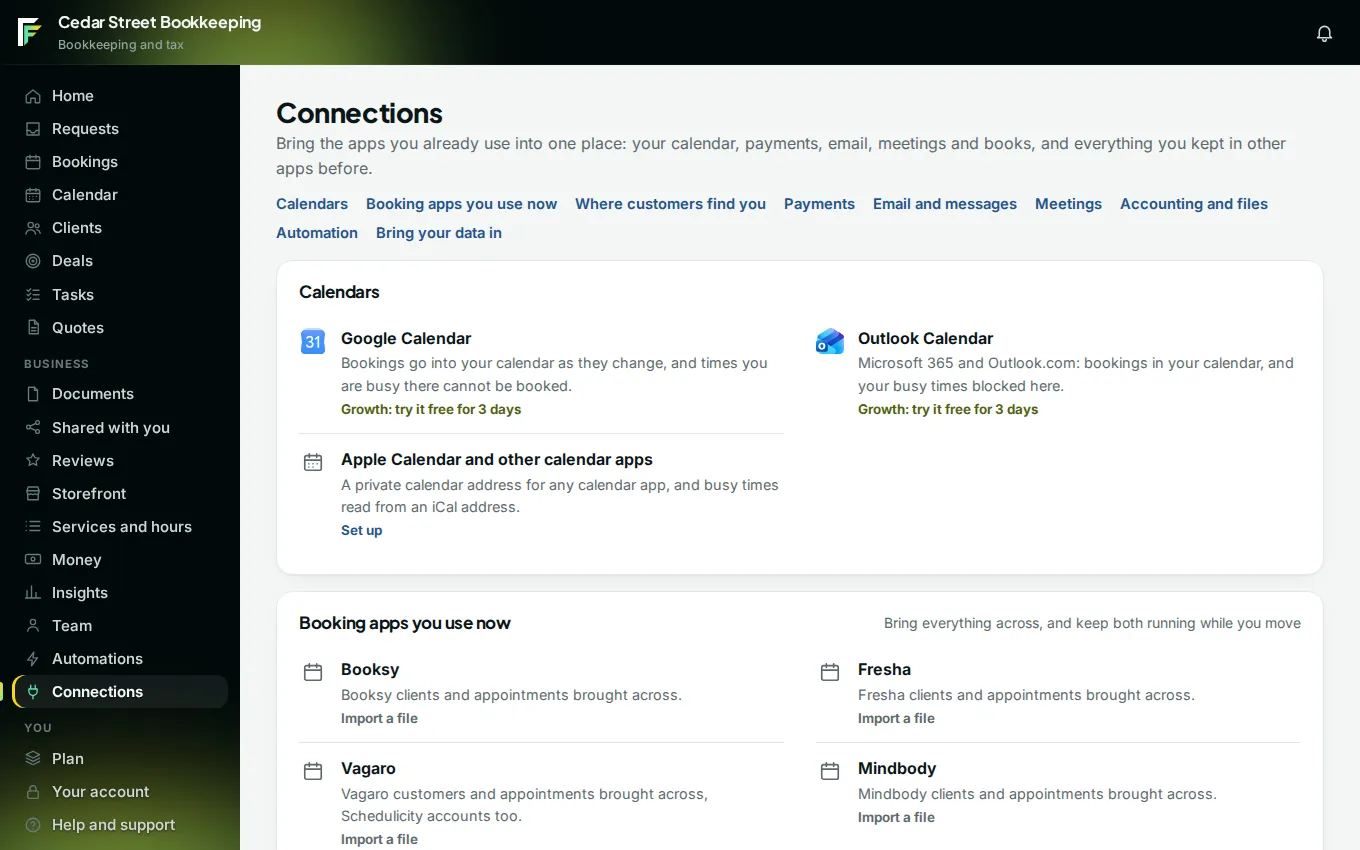
- Open Connections. A connection that has stopped shows Needs attention.
- Choose it and read the message on its page. Then choose Check the connection. If the app answers, the connection is back.
- If it still fails, choose Disconnect, then Connect again and sign in at the other app.
- On the other app's screen, allow everything Fountain asks for. Fountain never sees your password there.
- Check the settings on the connection page again and choose Save.
What it can and cannot do
- Fountain can check a connection again with Check the connection, and marks it Connected when the app answers.
- Fountain cannot bring back access the other app has withdrawn. Only signing in there again does that.
- Fountain never sees your password at the other app.
- Disconnecting withdraws Fountain's access at the other app where it can. Busy times read from a disconnected calendar stop blocking.
- Apps marked Owner connects are connected, changed and disconnected by the owner. Everyone else connects their own apps, such as their own calendar.
What you should see
The status changes to Connected and Last sync shows a recent time.
If it does not work
- "Google Calendar no longer accepts Fountain's access. Connect it again." (or another app) Connect it again as above. The owner also gets a notice saying "needs to be connected again".
- "That connection request has expired. Start again from Connections." The trip to the other app took longer than ten minutes. Start again.
- "That connection was started by someone else. Start again from Connections." Start the connection yourself, in your own browser.
- "Google did not give Fountain access, so nothing was connected." (or another app) You cancelled, or did not allow access. Start again and allow it.
- Owner connects shows instead of Connect. That app is connected by the workspace owner for everyone. Ask the owner.
- Needs setup by Fortis. That app is not switched on for Fountain yet. Where it says Import a file, you can bring data across from a file meanwhile.
- "Square is part of Growth. Plan shows how to turn it on." (or PayPal or QuickBooks) See A feature needs Growth.
Still stuck? Contact Fortis support and a person replies by email.