
Send quote reminders automatically
Updated 18 October 2026
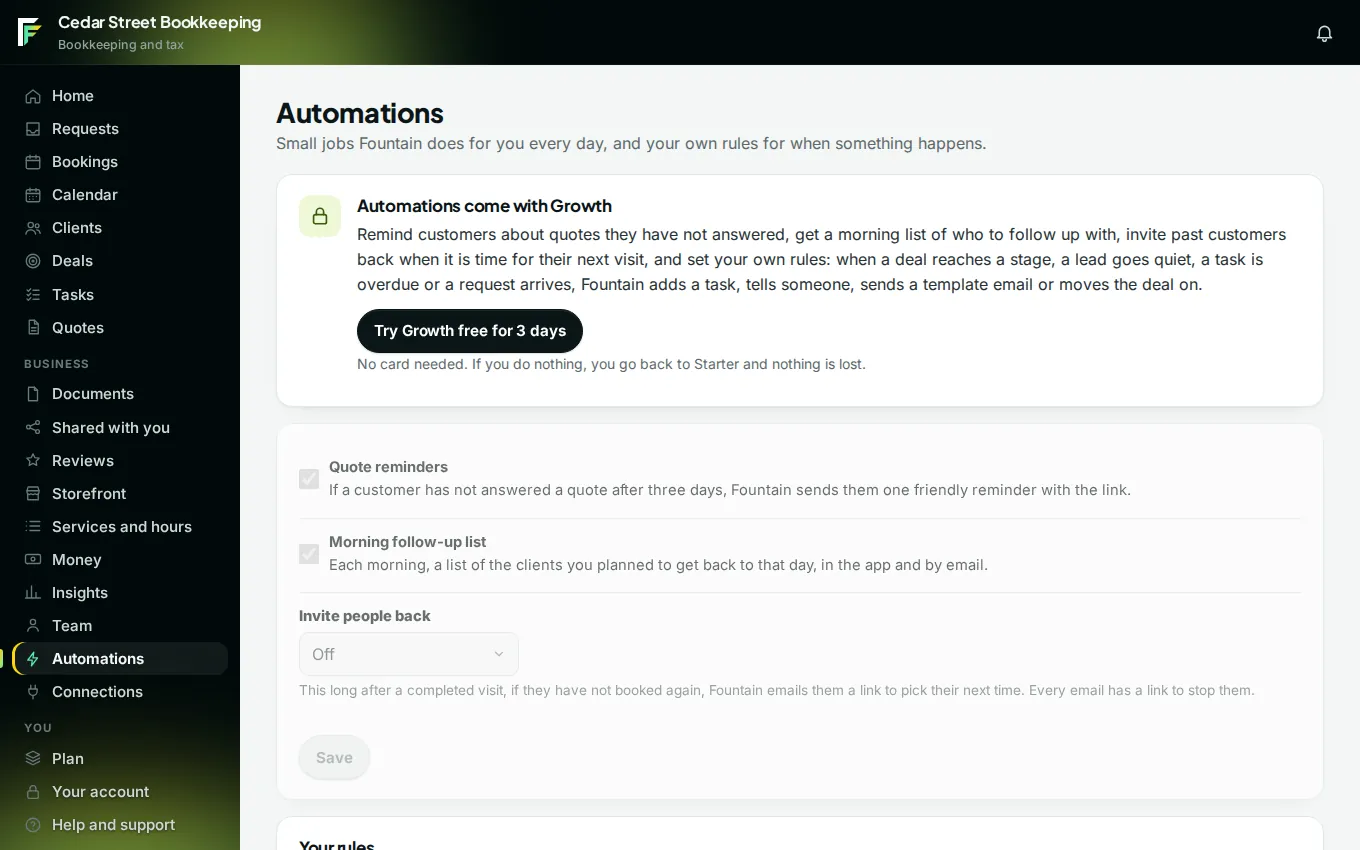
Customers sometimes forget a quote. With quote reminders on, Fountain sends them one friendly email with the link to the quote when they have not answered it after three days. The owner sets this up.
Availability Growth. Owners only. Starter workspaces can try it free for three days, once per owner.
Steps
- Open Automations from the menu.
- Tick Quote reminders.
- Choose Save.
On the same page you can also tick Morning follow-up list. Each morning it sends you, in the app and by email, the list of clients you planned to get back to that day.
What it can and cannot do
- It sends one reminder for each quote, three days after the quote was sent, while the customer has not answered. The three days cannot be changed.
- It does not remind about a quote that is approved, declined or past its valid-until date.
- The email's wording is set by Fountain. You cannot write your own reminder here.
- Only the owner can switch it on, and only on Growth. Health and care workspaces send no reminders.
What you should see
The message says "Automations saved." Each quote that has been sent and left unanswered for three days gets one reminder. The email says the quote is still open and links to it, so the customer can look it over, ask a question or approve it. A quote that has passed its valid-until date gets no reminder.
Reminders that went out are listed under Recently sent at the bottom of the page.
Health and care workspaces send no email to customers, so no reminders go out there.
If it does not work
- The tick box is greyed out. Your workspace is on Starter. See A feature needs Growth.
- You cannot see Automations in the menu. Only the owner can open it.
- A customer did not get a reminder. Each quote gets only one. Check they have an email address, and see Emails are not arriving.
Still stuck? Contact Fortis support and a person replies by email.